
Introduction
MetaMask is one of the most popular cryptocurrency wallets, especially for Ethereum and EVM-compatible chains. But is it really safe to store your crypto assets in MetaMask? In this in-depth guide, we’ll explore:
✅ How MetaMask Works
✅ Security Risks & How to Avoid Them
✅ Best Alternatives for Long-Term Storage
✅ Tips to Keep Your Crypto Safe
By the end, you’ll know whether MetaMask is right for you—or if you should switch to something more secure.
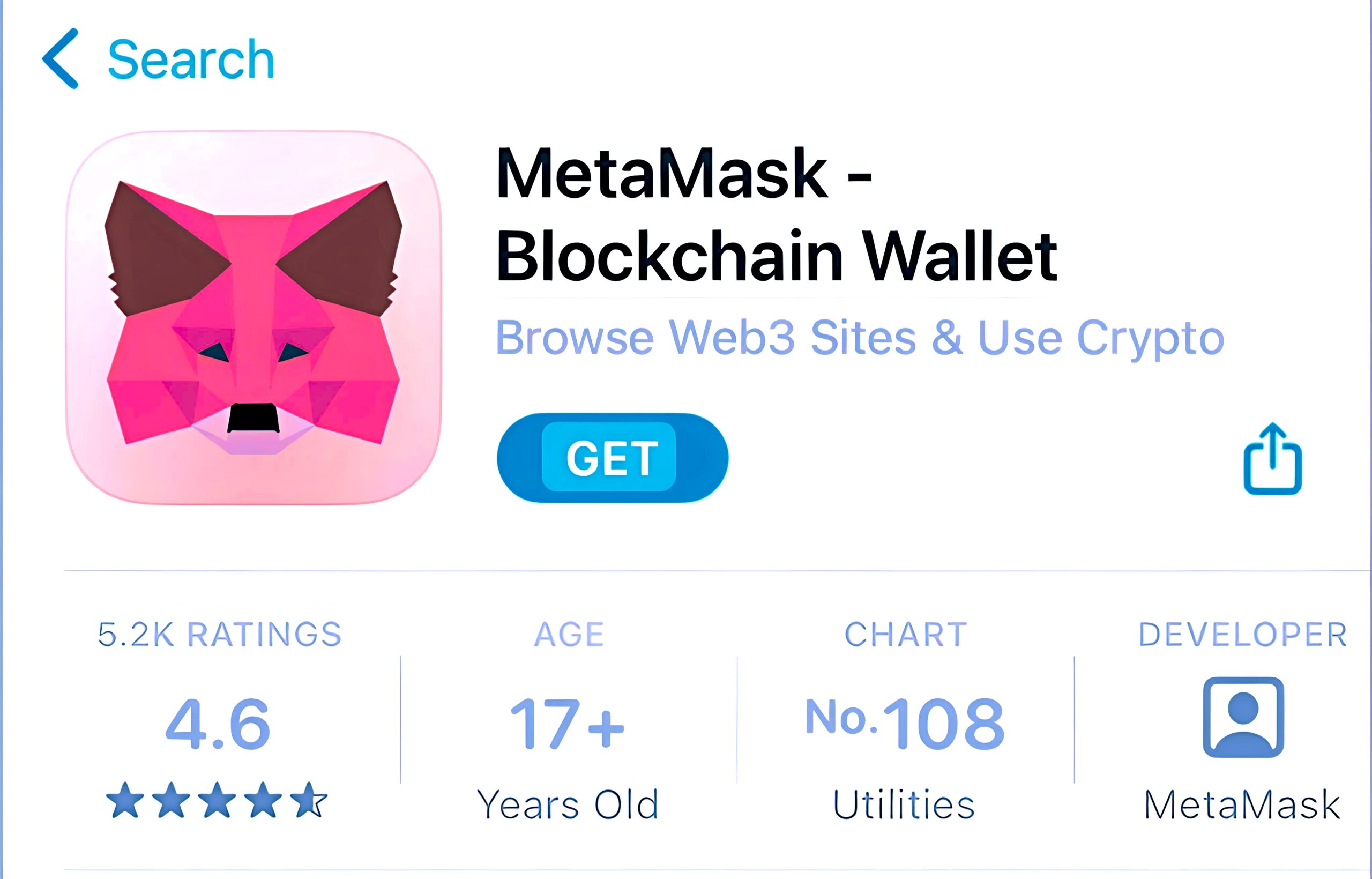
What Is MetaMask?
MetaMask is a browser extension and mobile app that acts as a self-custody crypto wallet. Unlike exchanges (Coinbase, Binance), you control your private keys—meaning you’re responsible for security.
Key Features:
- Supports Ethereum, Polygon, BSC, Arbitrum, and more
- Connects easily to DeFi apps (Uniswap, Aave) and NFT marketplaces (OpenSea)
- Available as a Chrome/Firefox extension & mobile app
- Simple setup (but risky if mishandled)
Is MetaMask Safe? The Pros & Cons
👍 Pros of Using MetaMask
- Full Control Over Funds – No third party can freeze your assets.
- Great for DeFi & NFTs – The best wallet for interacting with dApps.
- Multi-Chain Support – Works with Ethereum, Polygon, Avalanche, and more.
- Open Source – Developers can audit the code for vulnerabilities.
👎 Cons & Risks
- Hot Wallet = Hack Risk – Since MetaMask is always connected to the internet, malware or phishing attacks can drain your funds.
- No 2FA or Account Recovery – Lose your seed phrase? Your crypto is gone forever.
- Phishing & Fake Extensions – Scammers create fake MetaMask sites to steal keys.
- Browser Vulnerabilities – If your PC gets hacked, your wallet could be exposed.
Best For:
- MetaMask → Active traders, DeFi users, NFT buyers.
- Ledger/Trezor → Long-term holders (best security).
- Trust Wallet → Mobile users who want simplicity.
How to Secure Your MetaMask Wallet
If you decide to use MetaMask, follow these critical security steps:
1. Never Share Your Seed Phrase
- MetaMask will never ask for your 12-word recovery phrase.
- Store it offline (written on paper or engraved on metal).
2. Use a Hardware Wallet (Ledger/Trezor)
- Connect MetaMask to a Ledger Nano X/S or Trezor for ultra-secure transactions.
- This keeps your keys offline while still using MetaMask for DeFi.
3. Beware of Phishing Scams
- Only download MetaMask from metamask.io (fake sites exist!).
- Double-check URLs before entering your password.
4. Enable Auto-Lock & Use Strong Passwords
- Set MetaMask to auto-lock after 1-5 minutes.
- Use a strong, unique password (not reused from other sites).
5. Keep Software Updated
- Update your browser, MetaMask, and OS regularly to patch security flaws.
When Should You NOT Use MetaMask?
MetaMask is not ideal if:
- You’re holding large amounts of crypto (use a hardware wallet instead).
- You’re not tech-savvy (risk of losing keys or falling for scams).
- You want extra security features (like 2FA or biometric login).
Best MetaMask Alternatives
If MetaMask isn’t secure enough for you, consider:
1. Ledger Nano X/S (Best for Security)
- Stores keys offline (unhackable by remote attacks).
- Works with MetaMask for DeFi access.
2. Trezor Model T
- Open-source, touchscreen hardware wallet.
- Supports Ethereum, Bitcoin, and more.
3. Trust Wallet (Mobile Alternative)
- Owned by Binance, good for mobile users.
- Supports staking and multiple blockchains.
4. Coinbase Wallet (Beginner-Friendly)
- Non-custodial (you control keys).
- Easy recovery options.
Final Verdict: Is MetaMask Worth It?
✅ Yes, if you’re an active DeFi/NFT user with small-to-medium holdings.
❌ No, if you’re storing large amounts long-term (use a hardware wallet instead).
Pro Tip: For maximum security, pair MetaMask with a Ledger or Trezor—this gives you DeFi access while keeping keys offline.
FAQs About MetaMask Security
Q: Can MetaMask be hacked?
A: Yes, if your device is infected with malware or you fall for a phishing scam. Always use a hardware wallet for large sums.
Q: Does MetaMask have 2FA?
A: No, it relies entirely on your seed phrase and device security.
Q: Can I recover my MetaMask wallet if I lose my password?
A: Only with your 12-word seed phrase—no other recovery method exists.
Conclusion
MetaMask is a great tool for crypto transactions but not the safest for long-term storage. If you’re holding significant assets, combine MetaMask with a hardware wallet or switch to cold storage.
🔒 Stay safe, double-check links, and never share your seed phrase!
What’s your experience with MetaMask? Have you ever faced security issues? Let us know in the comments! 🚀